![mia-logo-1.svg]](https://miahealth.no/hubfs/mia-logo-1.svg)
Go to https://signup.miahealth.no/en/subscription
Scan the QR code using the same phone where you are logged into the Mia Health app to manage your subscription.
If you open this website on the same phone where you are logged into the Mia Health app, you can simply tap the button “I am logged into the Mia Health app” instead of scanning the QR code.
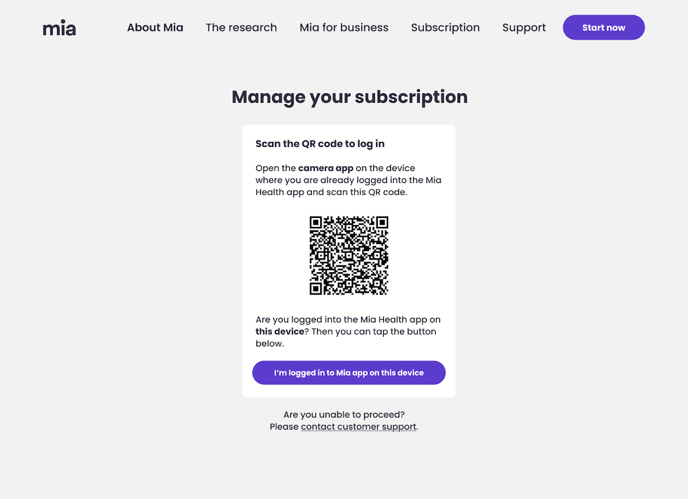
When you scan the QR code with your camera or tap “I am logged into the Mia Health app”, the Mia Health app will open automatically.
Confirm your identity by tapping “Confirm it’s me.”
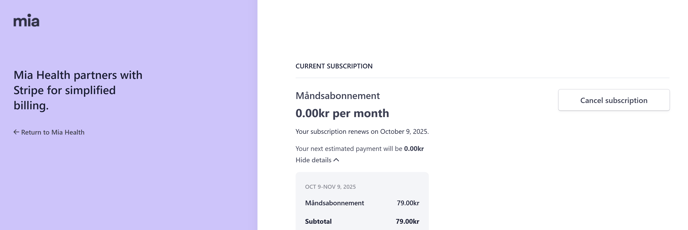
After confirming in the app, return to your browser to complete the subscription management process.