![mia-logo-1.svg]](https://miahealth.no/hubfs/mia-logo-1.svg)
Go to miahealth.no.
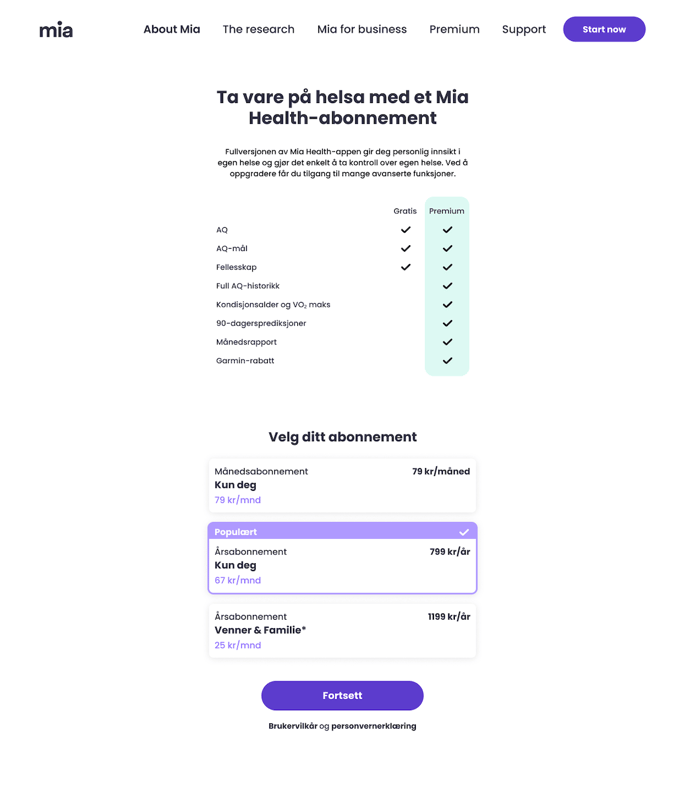
Choose the subscription type you want to purchase and click “Continue”.
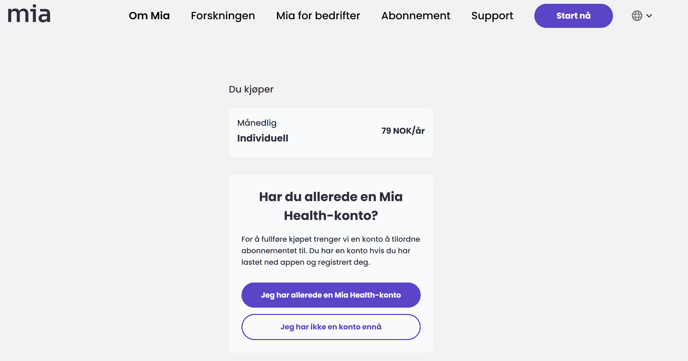
Note: If you haven’t downloaded the app and created an account yet, you need to do this before proceeding.
Scan the QR code using the same phone where you are logged into the Mia Health app to link the subscription to your Mia Health account.
If you are accessing the website on the same phone as your Mia Health app, you can simply click the button “I am logged in to the Mia Health app” instead of scanning the QR code.
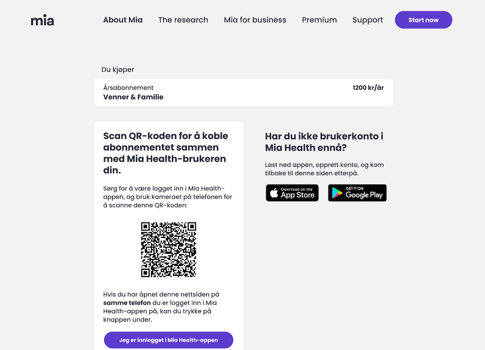
When you scan the QR code or press “I am logged in to the Mia Health app”, the Mia Health app will open automatically.
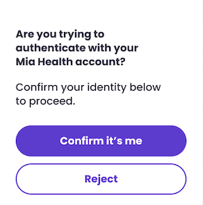
Confirm that you want to purchase the subscription for your account by tapping “Confirm it’s me”.
After confirming in the app, go back to your browser where you started the purchase.
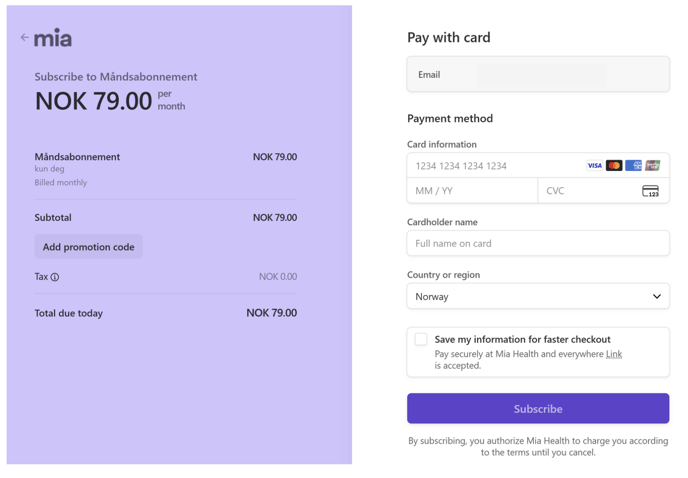
Select your payment method and enter the required information to complete the purchase.
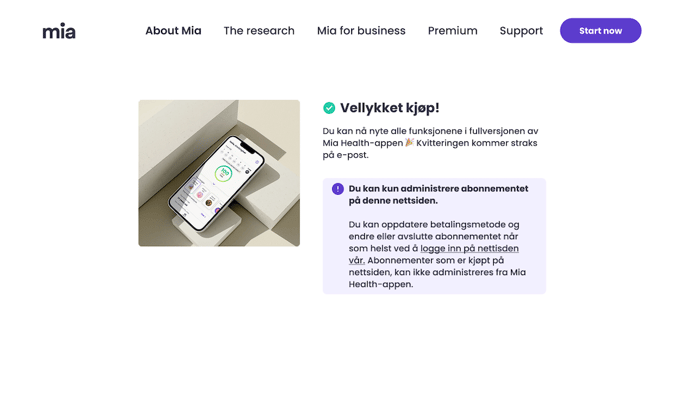
Note: If you purchased the subscription via the website, you need to visit miahealth.no again to manage it.