![mia-logo-1.svg]](https://miahealth.no/hubfs/mia-logo-1.svg)
To turn off AQ sharing, go to “Community” from the bottom menu in the app.
Then tap the “Friends” tab.
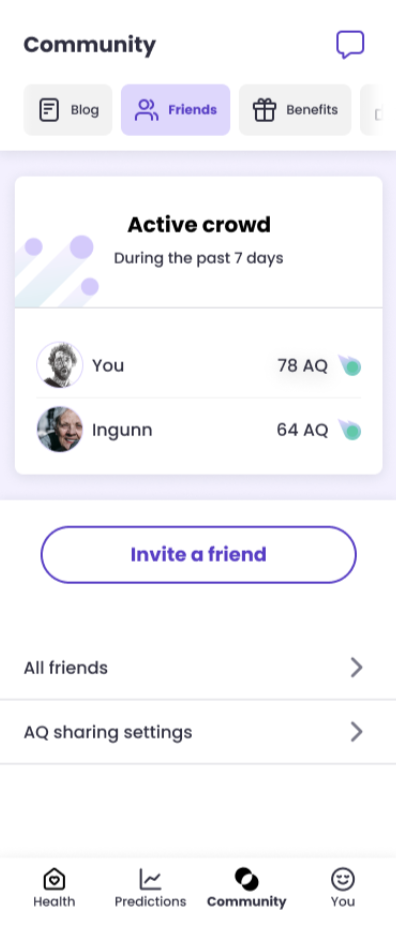
Select “AQ Sharing Settings”, where you can easily switch sharing on or off as needed.
Note: If you choose not to share your AQ, you won’t be visible in Active crowd, and you also won’t be able to see other people’s AQ.