![mia-logo-1.svg]](https://miahealth.no/hubfs/mia-logo-1.svg)
By creating challenges in Mia Insight, you can increase engagement and motivation among connected members by stimulating internal competitions and joint goal achievement around AQ and personal health - with insights, status, and results directly in the Mia Health app.
First, navigate to "Challenges" under the "Community" tab in the menu.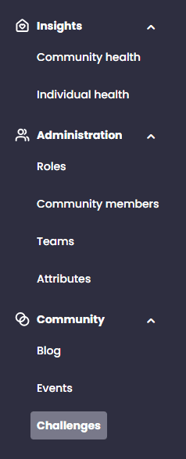
On the challenges homepage, click the "+ Create Challenge" button on the right side to start your first challenge.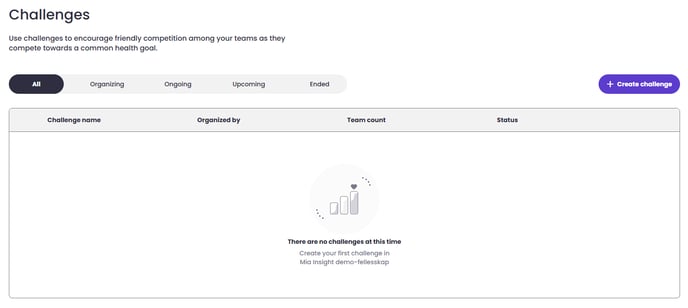
This opens the selection menu, where you select one of the predefined categories and click "Choose Challenge."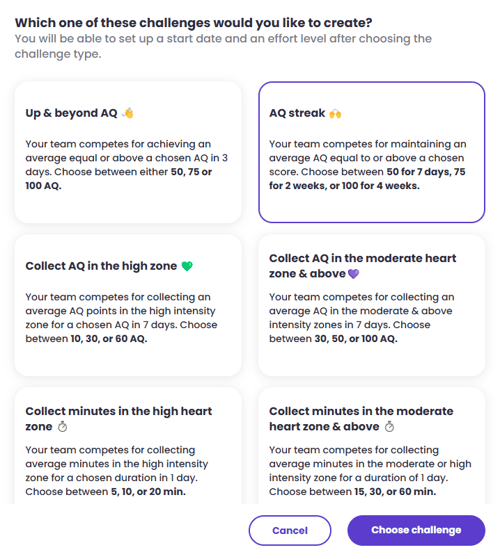
Depending on the chosen challenge, you can now select the difficulty level of the challenge. The help text will give an indication of what is most appropriate for the teams participating – often it is best to start with an easier challenge and increase the difficulty level later.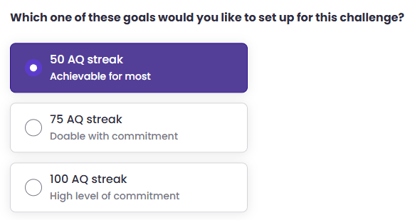
You can also add explanatory text and further details to the challenge.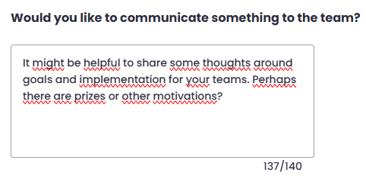
Challenges has a predefined duration, but you can set the start date yourself. This means you can plan multiple challenges ahead of time if you wish.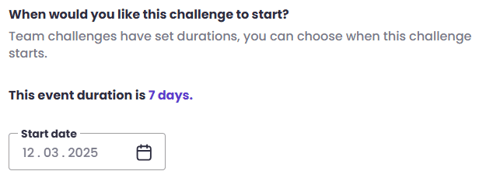
Now you can decide who will participate in the challenge. Here you can add all the teams in the organization or select a few teams to participate.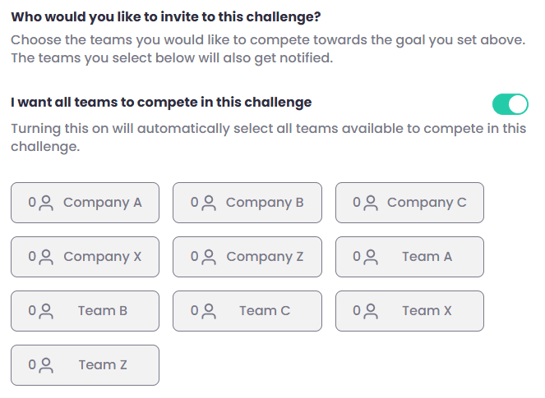
Note! The teams that will participate must have at least 5 connected members who share data with the organization. This is to comply with GDPR and because we need data to calculate scores and results.
Once the teams are selected, you are ready to publish. You do this by clicking the "Publish Challenge" button at the bottom right corner.
If you did not receive an answer to your inquiry, please feel free to contact our customer support.